

A new release can feel like a deadline: buy now, join the conversation, and hope the game is worth the price. But a launch date is a marketing event, not a financial emergency. With a little planning, you can play current games without paying full price for every one or collecting subscriptions you barely use.
The best budget strategy is not “always wait for a sale.” It is to decide which games deserve a day-one purchase, then use trials, subscriptions, discounts, and a short waiting period for the rest. That keeps the hobby enjoyable instead of turning every release into a bargain-hunting assignment.
Start with a three-question launch test
Before preordering or clicking Buy, ask yourself three things: Will I play this in the next two weeks? Is there a reason I need it at launch, such as playing with friends? Have I seen enough unfiltered gameplay to know it runs and feels right for me?
If the answer to the first two is no, waiting costs you nothing but a little time. If you are unsure about the game itself, a demo or trial can be more useful than reviews from people with different tastes. I think this is the most underrated saving: the cheapest game is the one you discover you do not actually want before paying for it.
Make a short “buy next” list and set a personal maximum price for each title. When a game reaches that number, buy it; when it does not, keep playing something you already own. Price alerts and wishlists make this easier, and comparing reputable stores can surface legitimate discounts on cheap games. Check the platform, region, activation method, and seller terms before checkout, especially for a code rather than a direct store purchase.
Waiting is a strategy, not missing out
For a single-player game, the launch version is often the least complete and most expensive version you can buy. A few months can bring patches, a bundle with expansions, or a meaningful sale. You also get time to see whether the game’s performance and post-launch support match the promises.
There are real exceptions. If your friends are all playing an online game now, or you want to avoid spoilers for a story you care about, the launch premium may be worth it. Treat that extra cost as paying for timing, not as the game’s “true” value. For everything else, put the game on a wishlist and choose a price you would genuinely be happy to pay.
Physical console games add another option where discs are available: borrow from a friend or library, buy used, then resell after finishing. Compare the final cost after shipping, taxes, and resale effort. Digital purchases are convenient, but they generally cannot be resold, so convenience belongs in the calculation too.

Subscriptions: useful rental, poor ownership
A game subscription can be excellent value if you play several included games during the months you pay. It is less compelling if you subscribe for one release, get distracted, and forget to cancel. Before joining, check the current catalog, the plan’s platform limits, and whether the specific game is included on your tier.
Remember the trade: a catalog gives access, not permanent ownership. Games can leave. In its October 20, 2026 Game Pass update, Xbox listed titles scheduled to leave later that month and in November, alongside newly arriving games. That rotation is the counterargument to “subscriptions are always cheaper”: they can lower the cost of trying games, but a player who wants to revisit one years later may still need to buy it. Keep a subscription for a month when there is a definite queue of games you will play, then review it before renewal.
Sharing can stretch a purchase further when a platform permits it. Use the platform’s official household or family-sharing features, and read the rules: account sharing outside the allowed setup can risk access, and “sharing” a login is not the same as a supported family library.
Protect yourself from the wrong purchase
Refunds are a backstop, not a free weekend rental. Policies vary by store and country, so check the rules before you buy. On Steam, Valve’s standard policy allows refund requests within 14 days of purchase if playtime is under two hours; exceptions and other product types have different conditions. The Steam refund policy also notes that early-access or advance-access playtime counts toward the limit. If you are testing a game, track your playtime and do not assume another storefront offers the same window.
For a new PC game, check the minimum and recommended system requirements against your actual machine before purchasing. If possible, use a demo or a friend’s experience to spot performance issues. A discounted game that will not run acceptably is still wasted money, and upgrading hardware for one title can cost far more than waiting for a patch or choosing another game.
Spend less per hour, not just per game
Cheap is not the same as good value. A short game you finish and love may be a better purchase than a huge open-world title that sits untouched. Look at the kind of play you actually enjoy: one carefully chosen new release, a cooperative game shared with friends, or an older title with a deep campaign can all be the right buy.
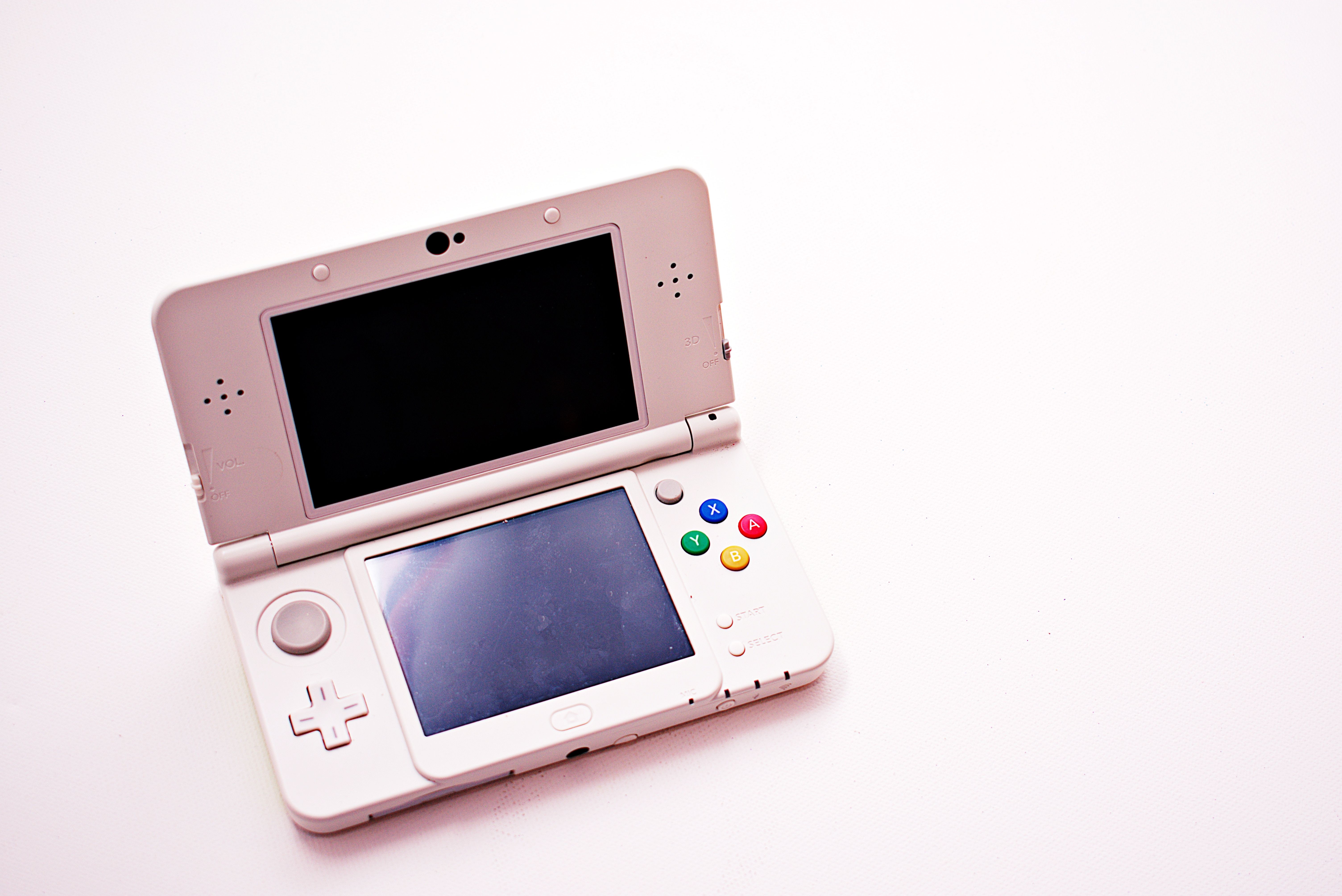
Handheld and older hardware can also make a budget go further if you already own it. Do not buy a new device solely because a game looks more convenient on it; first check whether the game is available on your current console, computer, or handheld. Existing hardware is often the most effective discount.
Try this small routine: wishlist upcoming games, decide a maximum price, check for demos or subscription access, compare the final checkout price, then buy only when you are ready to play. If a game is urgent because friends are waiting, paying more can be a deliberate choice. If it is not urgent, let time do the discounting. Your backlog is not a failure; it is proof you already have entertainment waiting.
How this guide was put together
This guide focuses on practical choices for players trying to manage game spending, not on fixed price forecasts; discounts and availability vary by platform and region. The refund example comes from Valve’s published Steam policy, and the subscription caveat reflects Xbox’s October 20, 2026 Game Pass catalog update, both checked on November 16, 2026. Always confirm local terms and the checkout total before paying. No specific deal or seller is endorsed here.